Front-end Performance guide for Senior Developers
This blog is published on Medium , read full here - https://medium.com/@hellonehha/front-end-performance-guide-for-senior-developers-5e2b4b5ba7da
You’ve probably heard the phrase
“You can only fix what you can measure.”
That’s true but as a senior developer, you also know that many performance issues can be prevented long before you run Lighthouse, WebPageTest, or any profiler. Good engineering practices applied from day one reduce bottlenecks, simplify debugging, and make later optimization much cheaper.
In this guide, we’ll look at those practices — what you can and should do even before performance measurement begins.
A seasoned engineer understands the trade-offs: knowing what to optimise proactively and what to optimize only after measuring is what separates senior developers from the rest. That judgment comes with experience.
Core Web Vitals
Before diving into coding practices, it’s essential to understand Core Web Vitals. These are performance metrics defined and maintained by Google that represent the user-perceived performance of your web application. As en engineer these metrics will guide you that what you are fixing.
1 . LCP ( largest contentful paint) : Measures how quickly the main content becomes visible.
2 . FID (First Input delay)/INP (Interaction to Next Paint): Google is replacing FID with INP. INP captures overall input responsiveness not just the first interaction.
3 . CLS (Cumulative Layout Shift): Measures visual stability — how much elements shift unexpectedly on the page.
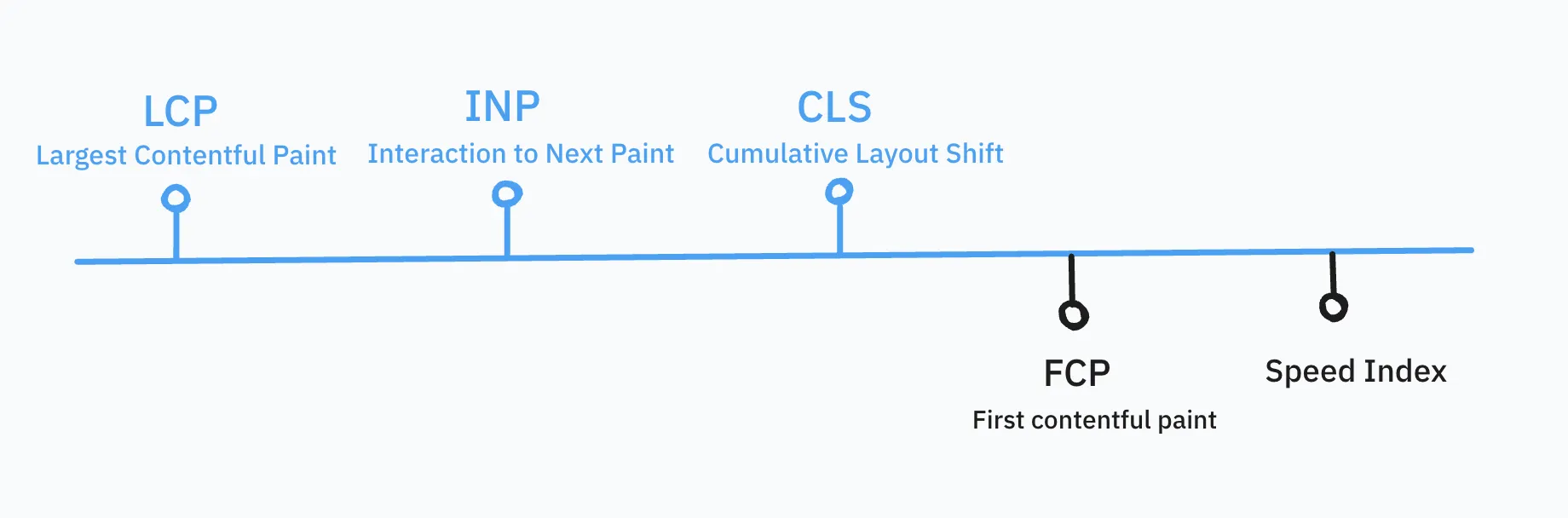
Apart from the above, these are also an important indictor of performa
1 . FCP (First Contentful Paint): When the browser renders the first visible piece of content.
2 . Speed Index: How quickly content is visually populated during loading.