Claude Certified Architect: My Learning Notes
Hello!! this WIP blog. I will keep updating notes as I keep moving ahead with my prepration of certification on claude.
Last update on 27th April 2026
Claude Code in Action
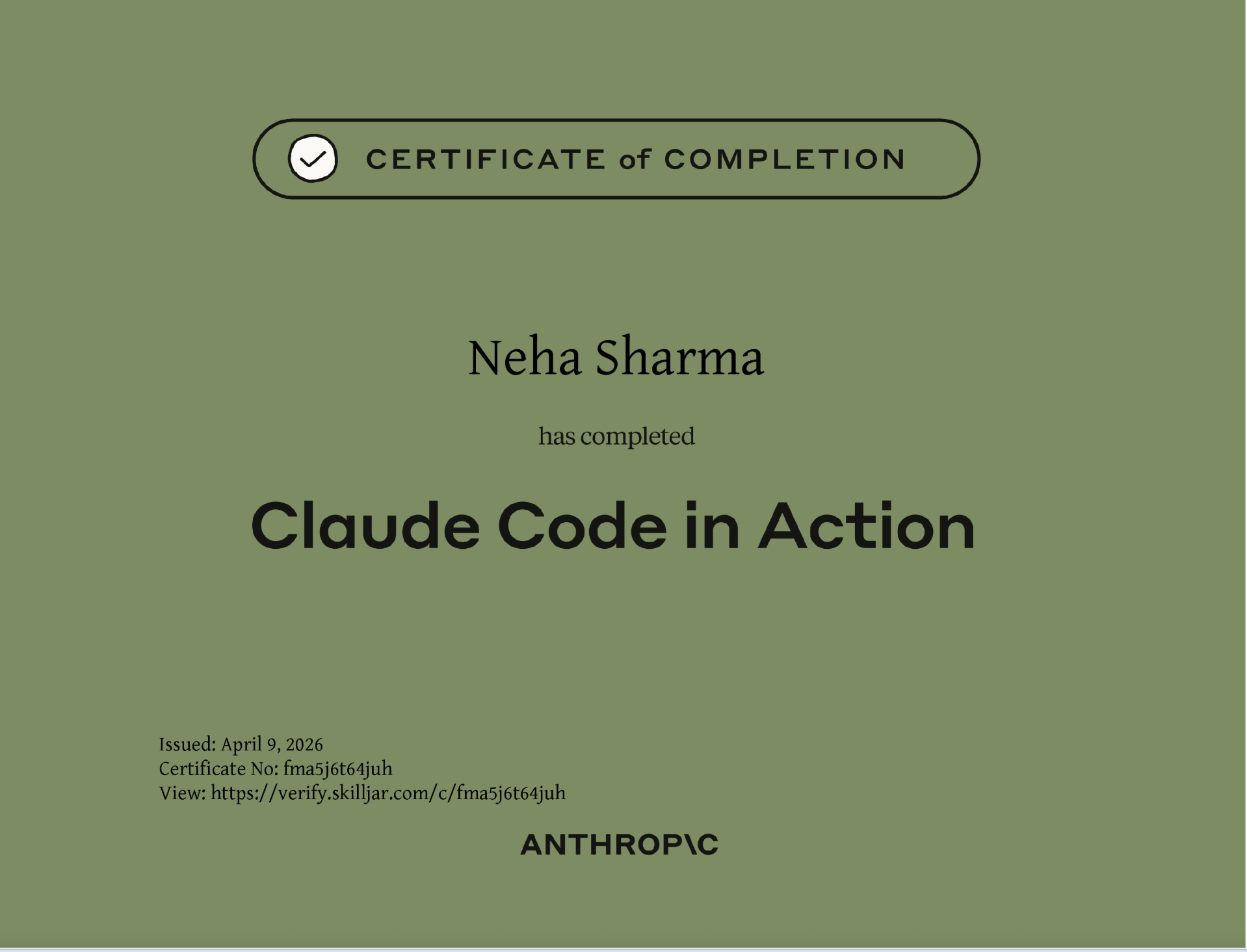
- Commands (inbuilt and custom)
- Skills and Commands
- Hooks
- MCP
- Claude folder (best practices)
- Security
- Introduction to Claude code in action
- what is skills.md
Hands-on:
- Skills and commands for my nextJS project, and many other projects
- I have already worked with Hooks in kiro.
- MCP (already worked)
- Claude folder (worked with my personal project)
Claude 101
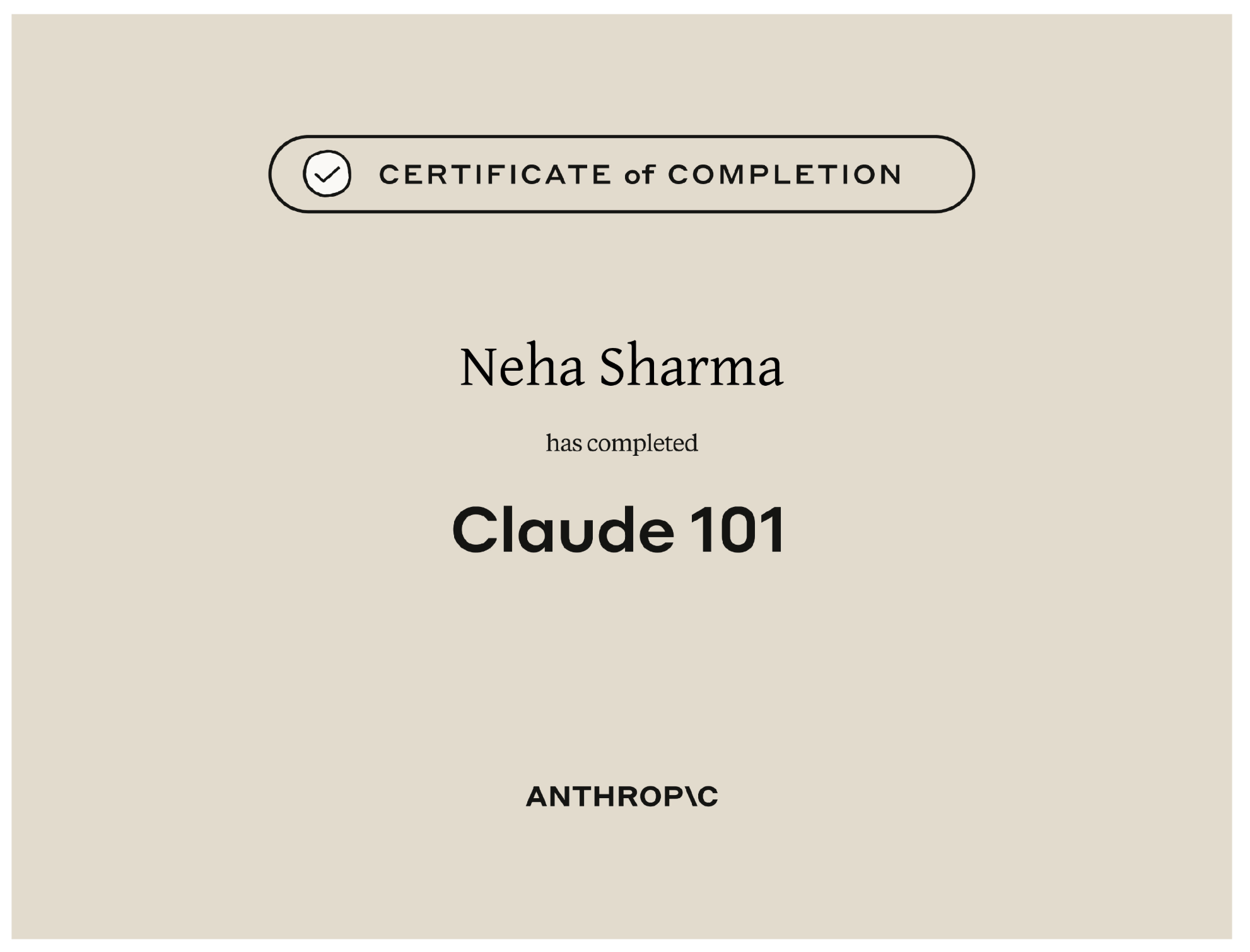
- 4d framework
- Claude desktop app, cowork, code
- Evals
Claude Code 101
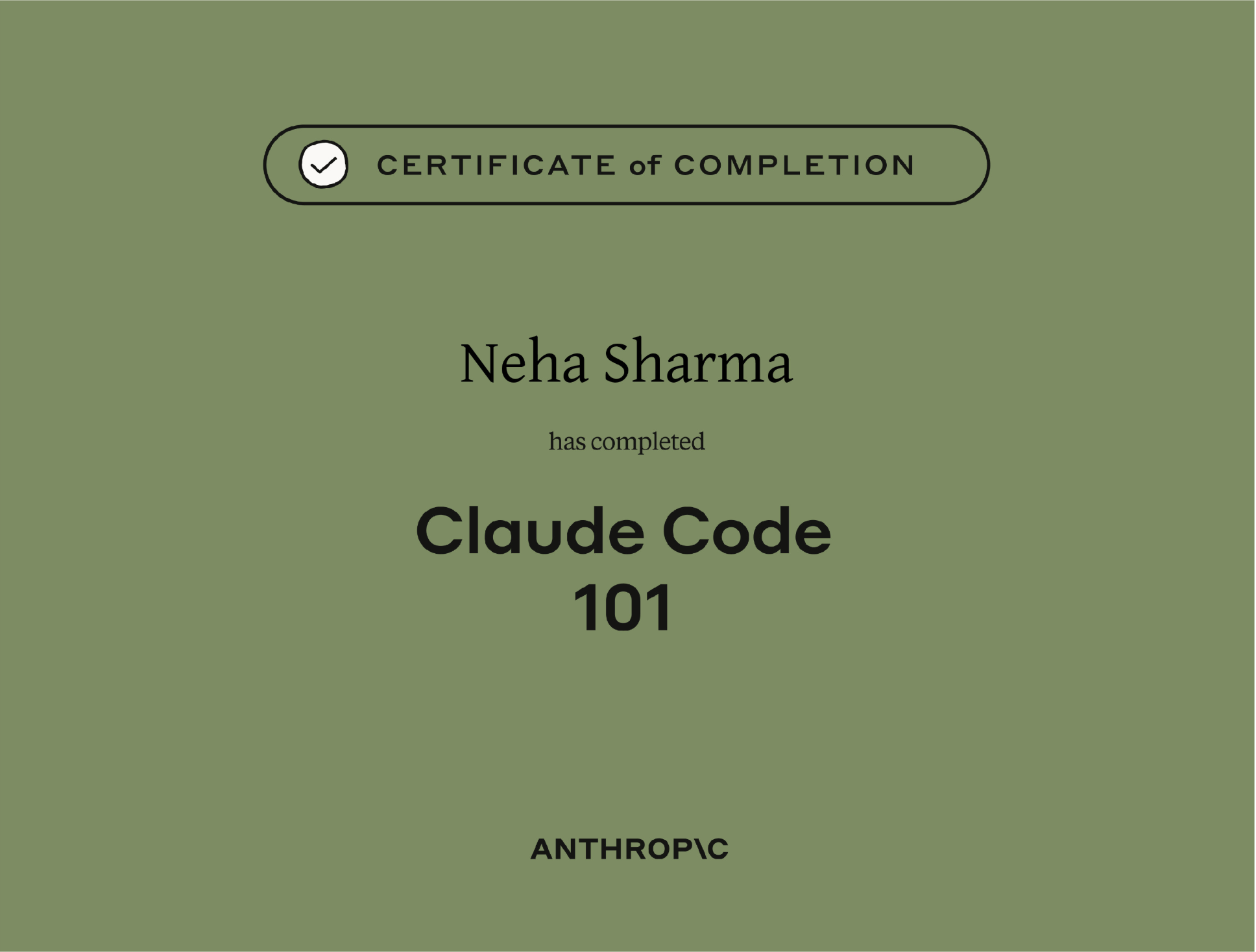
This was an easiest and quickest for me. As I was working on claude code for months. for me this is too much theory (or might I need all already)
- claude code intro
- Prompt
- Skills
- MCP
- Hooks
Claude Cowork
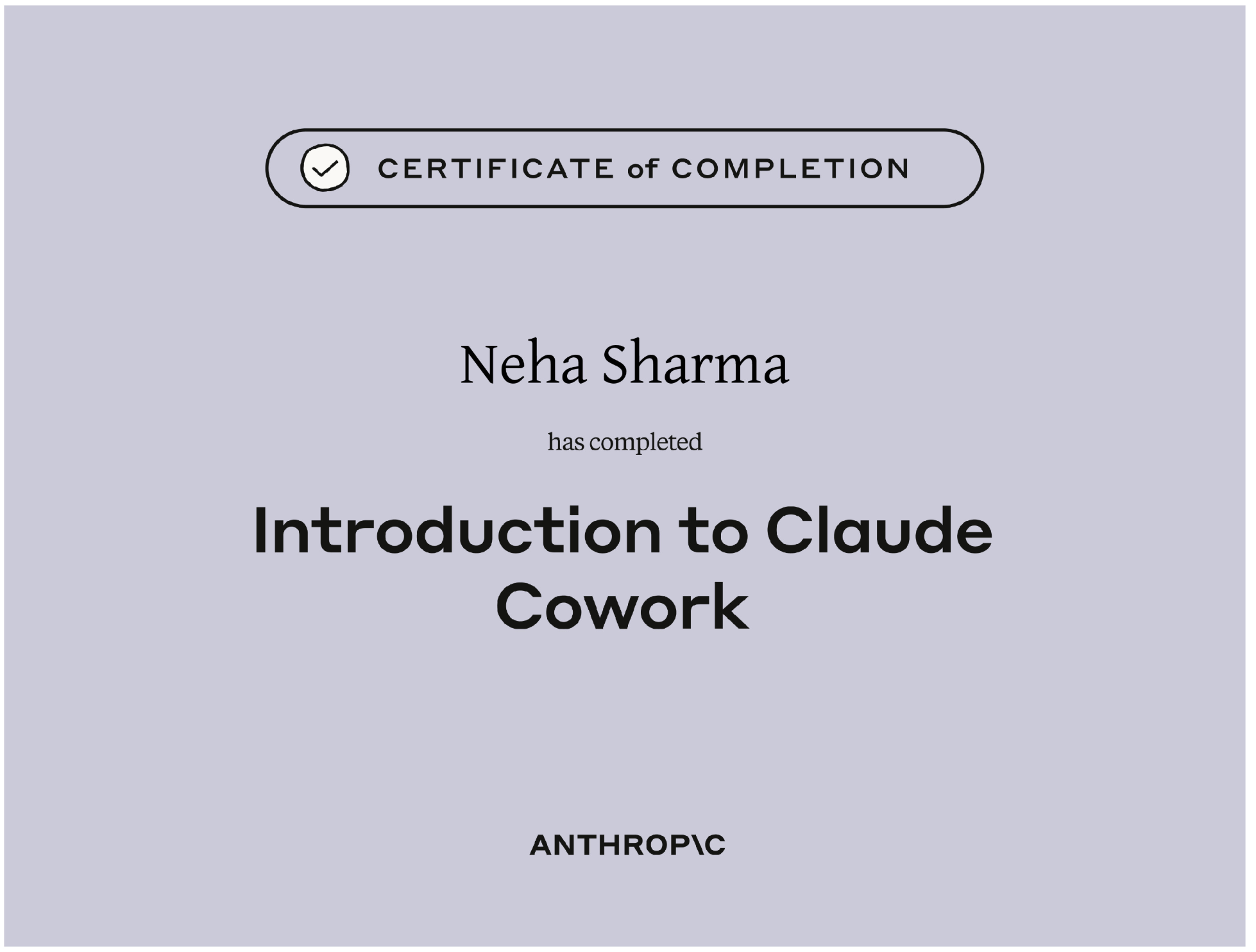
this was a mix of hands-on, videos, and self learning. I have not used cowork a lot. I was more into Claude Code (VSCode IDE). This course pushed me to try claude cowork and I loved it.
This courses talks about:
- Agents and parallel work: cowork helps in running workflows with multiple agents and in parallel (whereever possible).
- It will explore, plan, and then execute and can be steer anytime
- plugins makes the cowork more powerful. There are plugins from anthropic and community ones too.
- Every agent has its own memory.
- Claude cowork get access to folders on local system rather than uploading/downlioading resources.
- Debugging, how to use cowork for non-coding tasks
- permissions is the most important part
Finished the most of the lessons from Claude
-
MCP
-
Advanced MCP
-
Subagents
-
AI limitations
NOT DOING AI FLUENCY and Claude with AZURE and Gooogle.
Mock Exam
I bought Mock exam from Udemy. Tbh, this certification is new and getting a good and trustworthy mock exam is hard. So, I just went with mock exam with less negative rating.
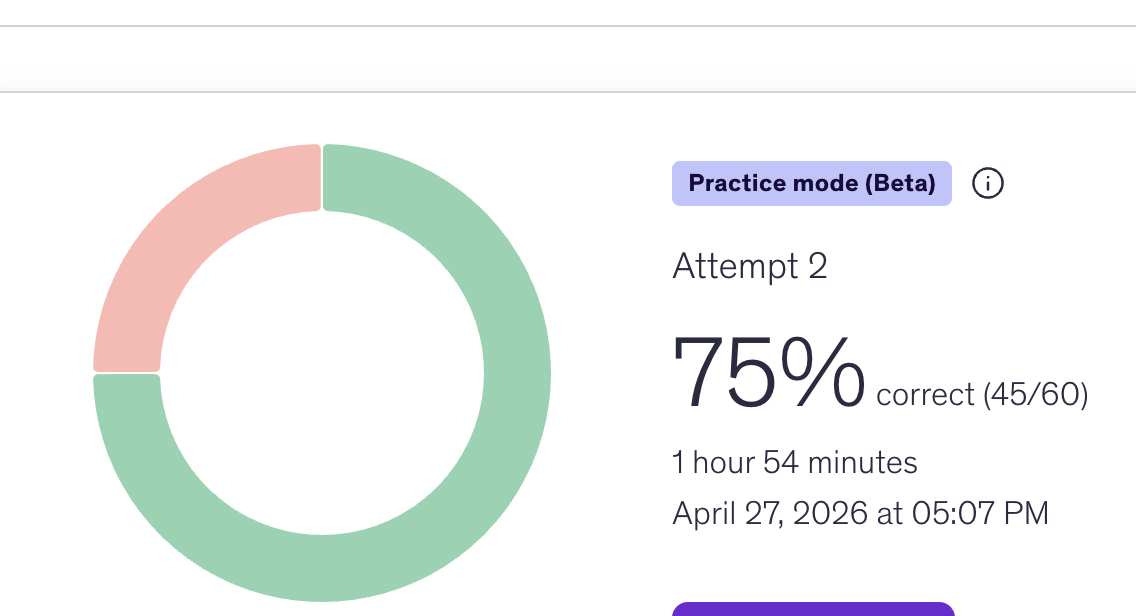
I took first attempt and got 75% exam (passed)
Claude Commands
| Command | Purpose | When to Use |
|---|---|---|
| /insights | View usage analytics and insights | Check how you're using Claude Code |
| /compact | Summarize conversation to save context | When context window is getting full |
| /clear | Clear the current conversation | Start fresh without history |
| /init | Initialize Claude in a new project | First-time setup in a repo |
| /mcp | Manage MCP server connections | Add, remove, or check MCP servers |
| /usage | View token usage for the session | Monitor token consumption |
| /model | Switch the active Claude model | Change between Opus, Sonnet, Haiku |
| /review | Review code changes | Before committing or submitting a PR |
| /doctor | Run diagnostics on configuration | Troubleshoot setup issues |
| /status | Show current status and configuration | Check active model and settings |
| /memory | View or manage Claude's memory | Review what Claude remembers across sessions |
| /cost | Show cost for the current session | Track spending per session |